
Start with the full photo
Choose a richer image with more than one useful composition or moment.
A strong photo can contain a wide scene, a hero subject, and the detail that sells the story. Shot Builder helps you save each as its own intentional starting point.
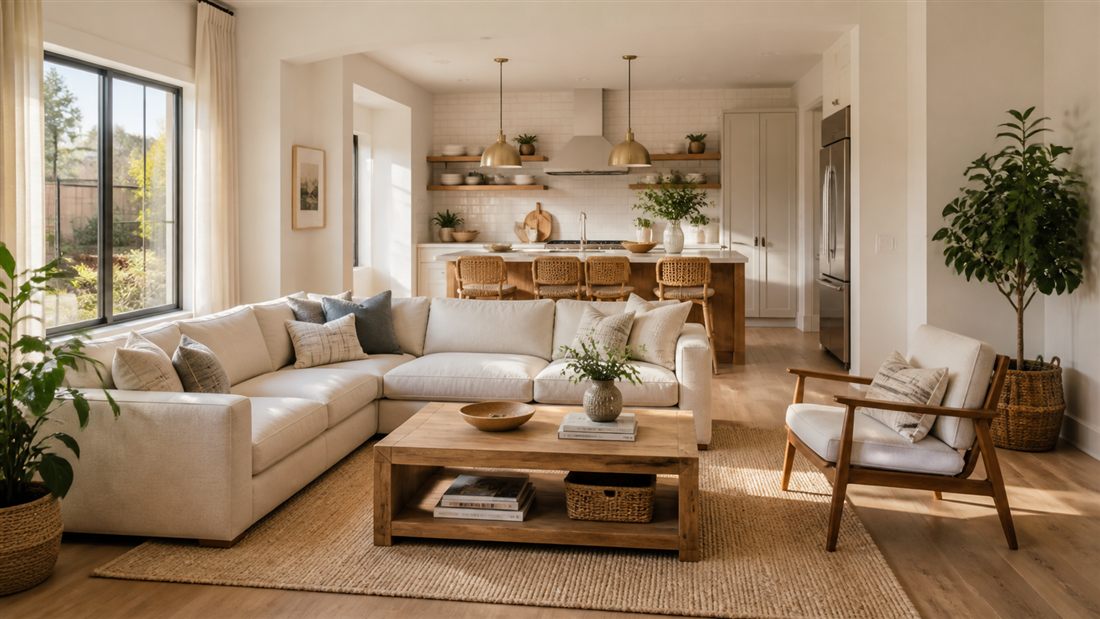
Keep the original photo visible as your reference, then frame the areas that deserve their own reel. Each saved frame opens in Quick Reel for its own motion, message, and finish.
123Shot Builder gives you the starting frame. Quick Reel gives that frame the focused motion and content it needs.
Choose a richer image with more than one useful composition or moment.
Mark the wide view, hero subject, and relevant detail that deserve separate attention.
Open each saved frame in Quick Reel and make its motion, message, and timing fit that one post.
Shot Builder keeps each idea focused. If a few finished clips later work better as one compact sequence, take them into Quick Stitch.
Start with the full scene when the viewer needs to understand the place or the moment.
Give the key subject enough room to stand out without competing with every other detail.
Turn the product, feature, texture, or call-to-action into its own post when it has something to say.
Start with the photo you already captured. Save the frames that matter, then make each one count.