
Choose your photo
Upload a photo or short clip, or choose something already in your Media Library.
MakeAReel starts with media you already have. Choose the path that fits it, add purposeful motion and your message, preview the result, and export a reel ready to post.
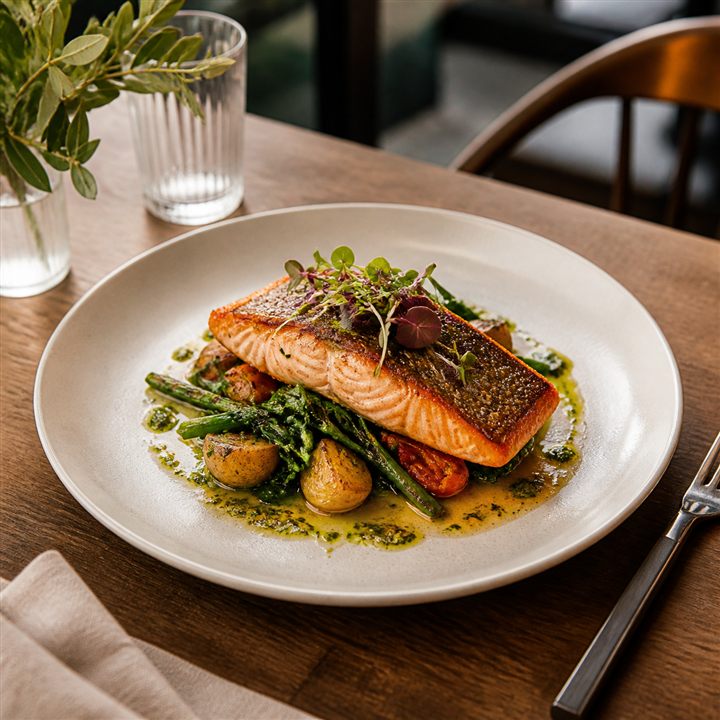
There is no blank timeline to learn. Start with what is in front of you and use the tool made for that job.
I have a photoGive one strong photo or short clip focused motion, content, and polish.
See Quick Reel → My photo has several moments
Save meaningful frames from one richer image and make a reel from each.
See Shot Builder → I have several photos or clips
Bring two to five finished clips together as one clear sequence.
See Quick Stitch →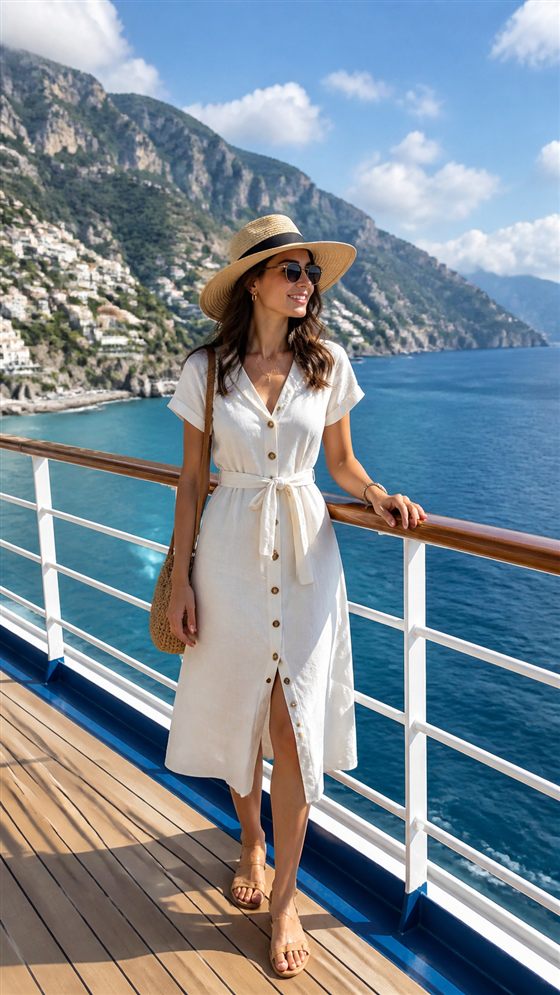 My photo has a strong subject
Separate a clear subject from its background for more dimensional motion.
See Subject Depth →Create a separate variation of a photo, then use the version you choose in a reel. Your original stays untouched.
Quick Reel is the most direct way to turn one image into a post with a clear point of view.

Upload a photo or short clip, or choose something already in your Media Library.
Pick a style such as Poster Scan or Hero Lock, then set focus points that guide the viewer through the image.
Add holds, callouts, icons, text, branding, or other elements where they help tell the story.
Use music, audio, or voiceover to finish the reel in the way that fits your post.
Fine-tune the result and export a social-ready MP4.
Find several useful compositions inside one richer photo. Save each frame as its own starting point, then turn each into a focused Quick Reel.
See Shot Builder →

Bring finished clips together, choose transitions, and create one longer reel without rebuilding everything from scratch.
See Quick Stitch →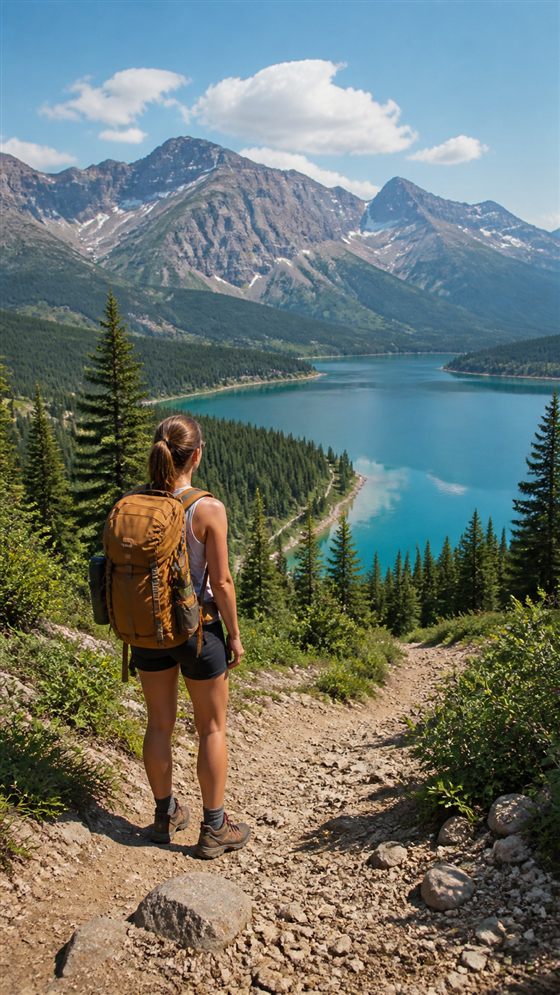
Separate a clear subject from the background and create more dimensional movement around the scene.
See Subject Depth →Create a new variation, then use the version you choose in your reel. Your original stays untouched.
Try Magic Photo →MakeAReel is built to get your media to a useful, shareable result without changing the original.
Ready for Instagram, TikTok, Facebook, or wherever you post.
MakeAReel works from your media without replacing the source.
Free exports include MakeAReel branding. Creator exports are clean.
Keep brand elements, media, and audio ready where supported by your plan.
You do not need to build a video project. Pick your media, choose your path, and make the reel.